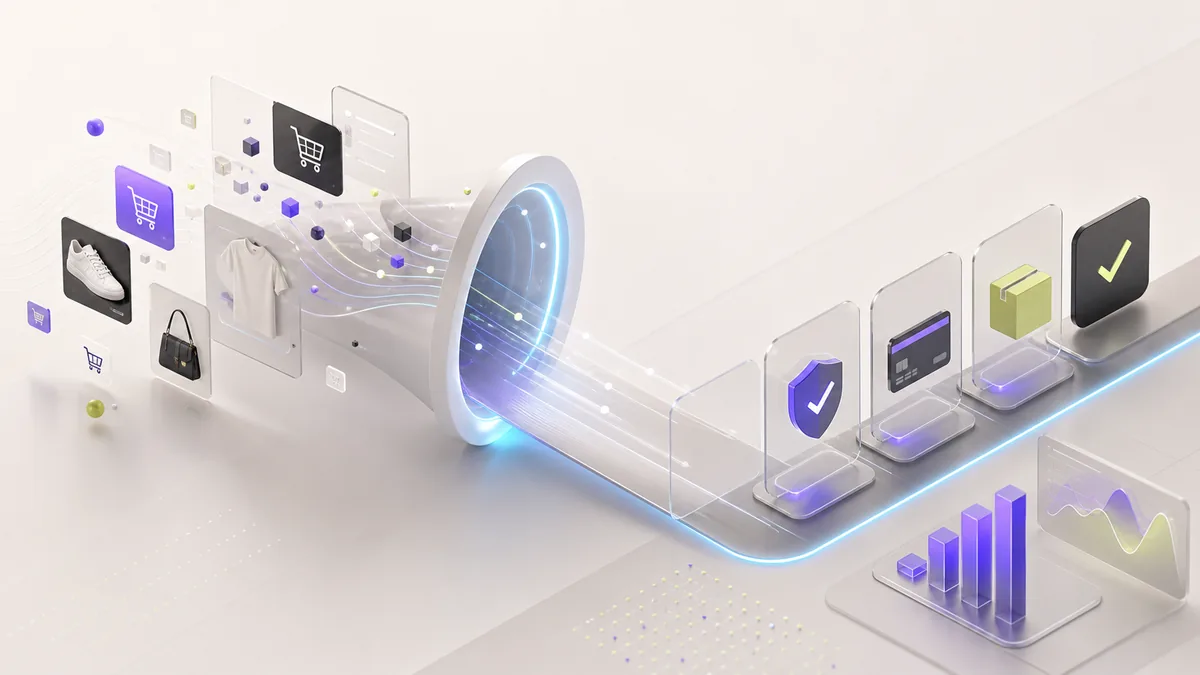
Ecommerce conversion optimization is the process of finding and removing the barriers that stop qualified shoppers from completing a purchase. Across product, service, and education stores, the strongest improvements usually come from making the buying path faster, clearer, more trustworthy, and easier to measure.
Performance and checkout guidance should stay directional, not framed as broad conversion guarantees. E-commerce lift depends on traffic quality, product-market fit, device mix, and checkout measurement.
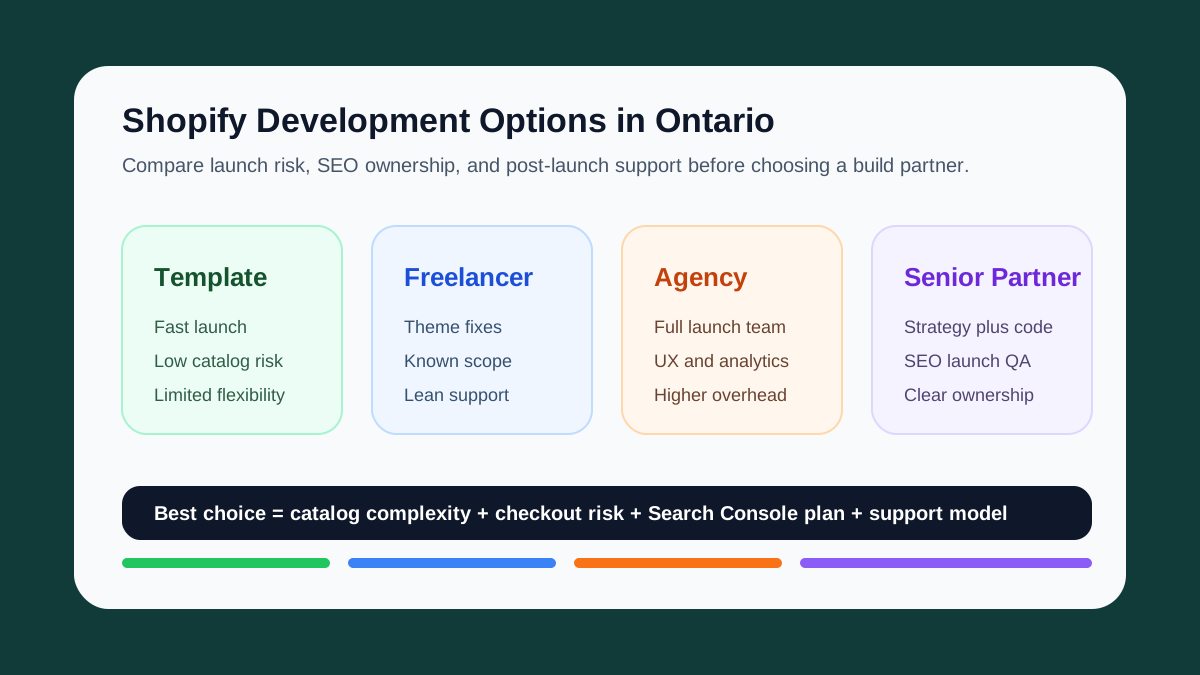
Ontario merchants comparing Shopify support should start with the risk profile of the store. If you are deciding who should build or improve the store, start with Best Shopify Development Options for Ontario Merchants or the Shopify Development Toronto service page.
What to Measure Before Optimizing
Storewide conversion rate is completed purchases divided by eligible shopping sessions, multiplied by 100. Use a consistent session definition and analytics setup so the comparison is meaningful.
Do not stop at one blended percentage. Establish a baseline for product-view-to-cart rate, cart-to-checkout rate, checkout completion rate, average order value, and revenue per session. Segment those numbers by device, traffic source, new versus returning customer, and major product category. A conversion change is only useful when you can identify which stage and audience changed.
Lesson 1: Speed is the #1 Conversion Factor
Before you optimize your copy, colors, or checkout flow, optimize your load time. The pattern is consistent:
- shoppers lose patience quickly on slow product and checkout pages
- mobile buyers are less forgiving when images, scripts, and payment widgets block the main flow
A common pattern: moving from a bloated theme to a lean custom WooCommerce build can cut load time dramatically. The conversion lift usually comes from the combination of faster product pages, cleaner templates, and fewer plugin scripts fighting for the main thread.
Measure speed like a buyer experiences it:
- LCP on product and collection pages
- INP on filter, cart, and checkout interactions
- CLS around product images, promo bars, and payment widgets
- checkout script waterfall on mobile
- conversion by device, payment method, and traffic source
- before-and-after snapshots taken at the same time of week
That separates a real checkout improvement from a pretty Lighthouse screenshot.
Lesson 2: Fewer Choices, More Sales
The paradox of choice is real. A homepage packed with hundreds of products often creates scanning fatigue. Restructuring around curated collections, clear category entry points, and tighter product groups makes it easier for shoppers to find a reason to continue.
What Works
- Curated "best sellers" section above the fold.
- Smart filtering instead of endless scrolling.
- One clear CTA per section — don't compete with yourself.
Lesson 3: Trust Signals Close the Sale
Small Canadian businesses don't have brand recognition. You need to earn trust fast:
- Reviews prominently displayed — not buried at the bottom.
- Clear shipping and return policies — visible before checkout.
- Secure payment badges — Stripe, PayPal, and SSL indicators.
- Real photos — stock photography kills trust instantly.
For product-led brands, customer photos and real usage context can outperform polished stock imagery because shoppers can see the product in the real world before they commit.
Lesson 4: Checkout Friction is a Conversion Killer
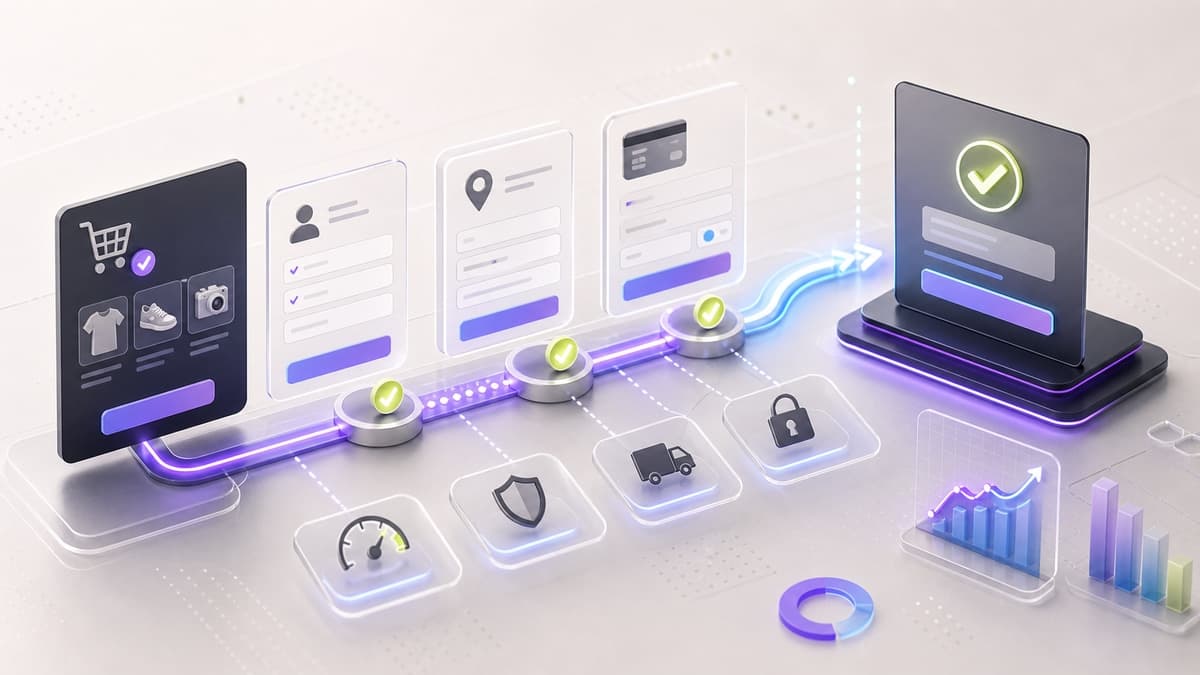
Every unnecessary step in checkout gives shoppers another reason to leave. Here is what we optimize:
| Friction Point | Solution |
|---|---|
| Account creation required | Guest checkout as default |
| Too many form fields | Auto-fill, address autocomplete |
| Shipping surprise costs | Show estimated shipping early |
| Slow payment processing | Stripe optimized checkout |
| No mobile optimization | Mobile-first checkout design |
For a field-by-field audit, payment setup, abandonment recovery, and GA4 event checklist, use the WooCommerce Checkout Optimization guide.
Lesson 5: Post-Purchase is Where Loyalty Starts
The sale isn't the end — it's the beginning. For digital-product and course businesses, we usually implement:
- Automated enrollment confirmation emails with branded receipt templates.
- Post-purchase onboarding sequences that reduce support tickets.
- Review requests timed 7 days after delivery (tie this into BaroBite for automated review capture).
Lesson 6: Product Pages Must Resolve Buying Questions
A product page should help a qualified shopper decide without opening another tab or contacting support. Generic descriptions and isolated studio photos leave too much uncertainty.
Build the page around the questions that block a purchase:
- show the primary benefit and ideal use case before the long specification list
- use consistent images or video to show scale, details, and the product in context
- explain variants, compatibility, sizing, delivery timing, and returns near the selection controls
- place reviews and proof beside the claims they support
- keep price, stock status, quantity, and the primary add-to-cart action easy to scan on mobile
Measure product-view-to-cart rate by template and category. If shoppers reach the page but rarely add to cart, the problem is usually offer clarity, merchandising, or product fit before it is checkout design.
Lesson 7: Optimize the Funnel, Not Isolated Screens
Conversion work becomes guesswork when several changes ship together and only total sales are reviewed. Instrument the full path from product view to purchase, identify the largest credible drop-off, and test one focused hypothesis at a time.
A practical optimization cycle is:
- verify product, cart, checkout, payment, and purchase events in GA4
- segment the funnel by device and traffic source
- choose the highest-friction step with enough traffic to evaluate
- ship one material change and annotate the release date
- compare the same metrics over a representative period, including error and refund signals
- keep, revise, or roll back the change based on evidence
Low-traffic stores may need several weeks before a change is directional, and seasonality or campaign mix can overwhelm small samples. Use customer-support questions, session recordings collected with appropriate consent, and checkout error logs as supporting evidence rather than declaring a winner from a handful of orders.
Tech Stack Recommendations
Based on repeated builds, here is my opinionated stack for e-commerce in 2026:
| Requirement | Recommendation |
|---|---|
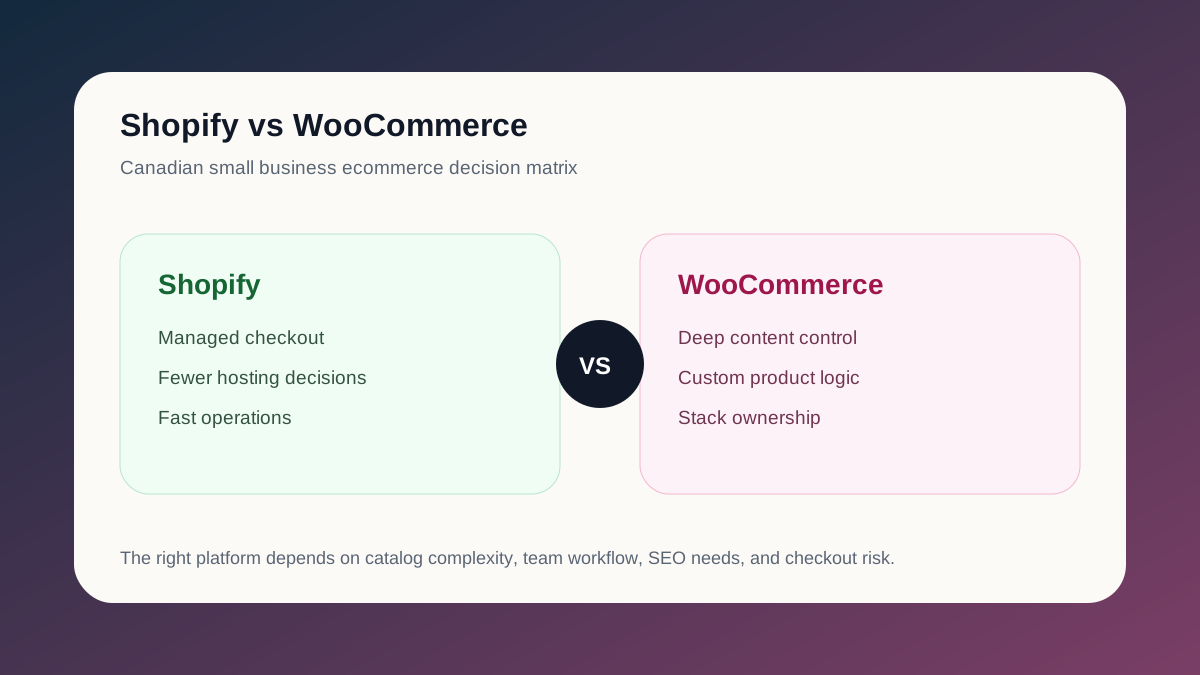
| < 50 products, simple | Shopify + custom theme |
| Complex products, custom logic | WooCommerce + ACF |
| Headless, high performance | Next.js + Shopify Storefront API |
| Digital products / courses | Next.js + Stripe + custom CMS |
| Multi-vendor marketplace | WooCommerce + Dokan / custom |
The Bottom Line
Ecommerce conversion optimization is not one redesign or plugin. It is the ongoing work of improving speed, product discovery, trust, checkout, post-purchase care, product-page clarity, and funnel measurement. Start with the largest verified point of friction, then make the result earn its place in the store.
Need an e-commerce store that actually converts? Start a project or review our e-commerce development service.
Keep the Thread Going
- Service path: E-Commerce Development
- Checkout tutorial: WooCommerce Checkout Optimization
- Shopify service path: Shopify Development Toronto
- Ontario Shopify guide: Best Shopify Development Options for Ontario Merchants
- Related read: Pulsee Case Study: NFC Profiles That Convert Offline
- Related public work: EuroMotors
- Ready to scope your own version? Start a project