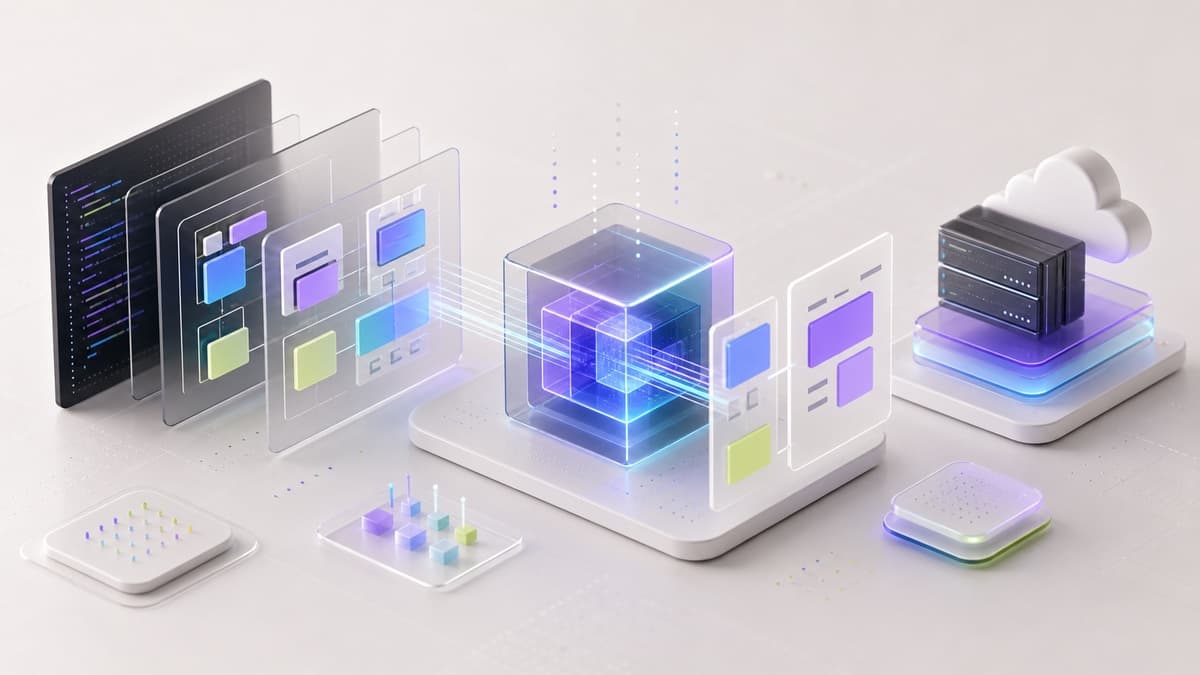
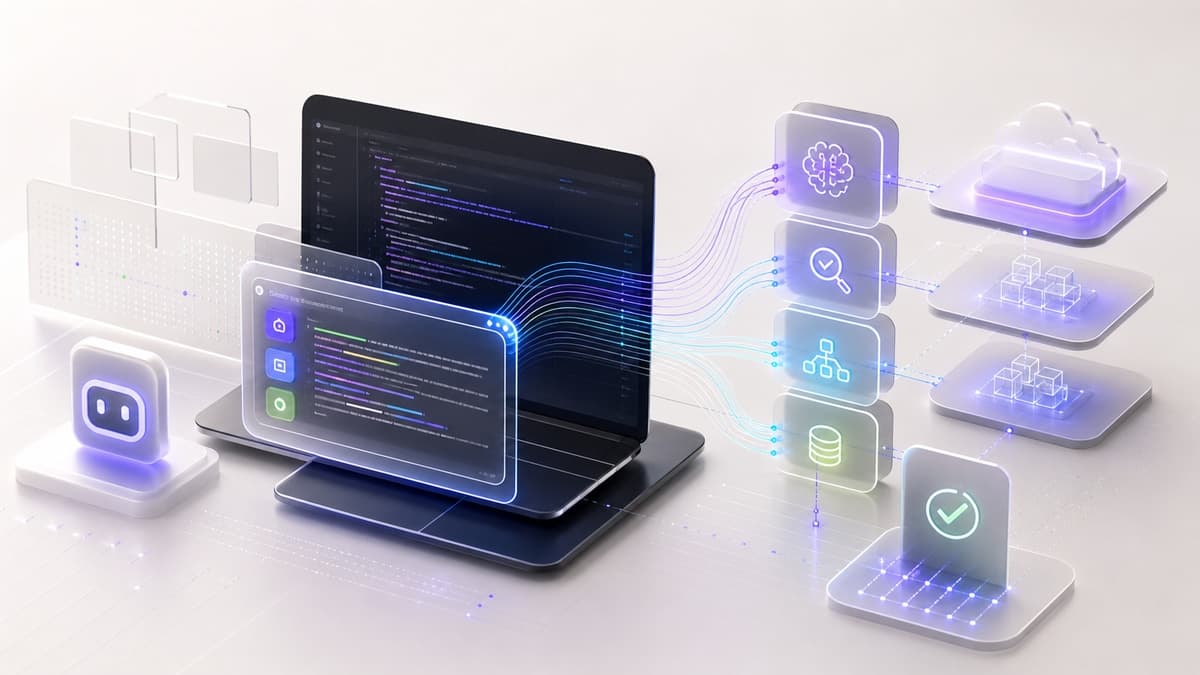
The role of the developer has shifted. AI tools are no longer only completing a line of code; they can plan changes, edit across files, run checks, and explain the tradeoffs.
That makes the human role more important, not less. The valuable work is deciding what should be built, what must be verified, and what risks the model is not allowed to hide.
Enter the Autonomous Agent
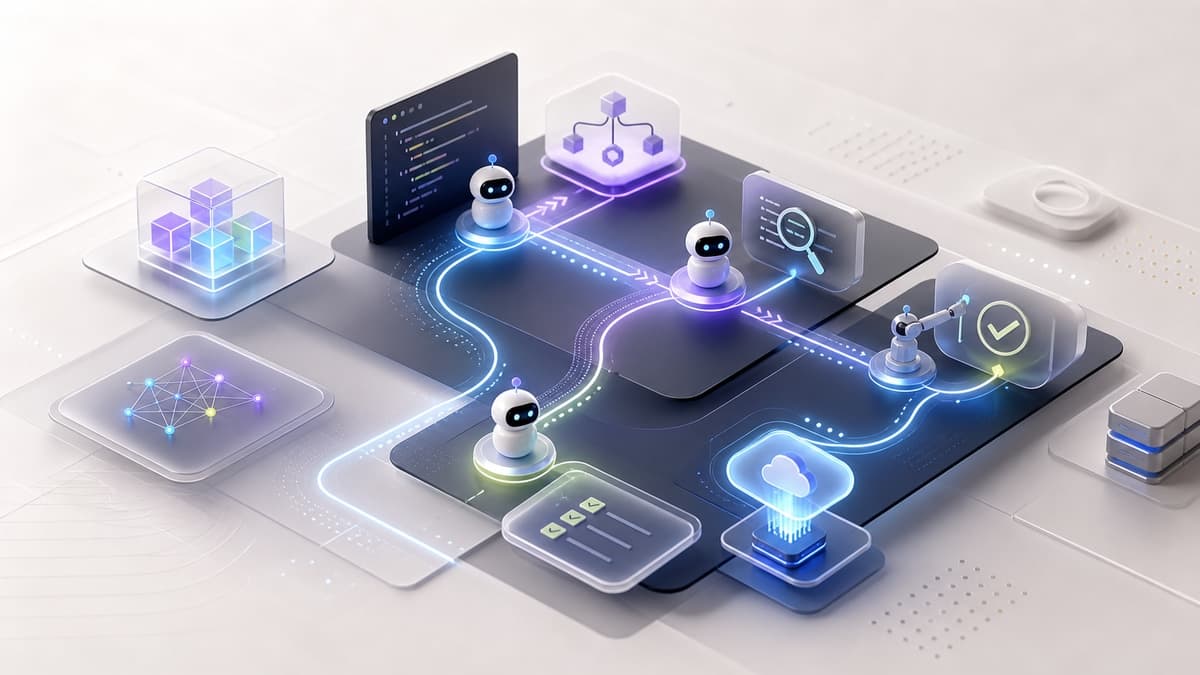
AI development agents do not just write functions. In the right workflow, they can move through a scoped loop:
- Requirement Parsing: The agent reads a PRD (Product Requirement Document).
- Implementation Plan: It generates a step-by-step roadmap.
- Execution: It writes the code across multiple files, runs tests, and fixes its own bugs.
The dangerous version is giving the agent vague permission across an entire production system. The useful version is assigning a clear slice: one bug, one component, one content cleanup, one migration step, or one verification pass.
Where Agents Help Most
Agents are strongest when the goal is concrete and the success criteria can be checked.
Good fits include:
- refactoring repeated UI states
- updating structured content across many pages
- checking for public secrets or accidental exposure
- generating tests for a known behavior
- comparing screenshots across desktop and mobile
- tracing a bug through logs, routes, and data flow
Weak fits include ambiguous product strategy, subjective brand judgment, unclear security decisions, and anything that would be expensive to verify.
Generative UI (GenUI)
We are seeing a massive shift towards generative interfaces. Why design static forms when an AI can generate a bespoke UI on the fly based on the user's immediate need?
"The UI follows the intent, not the template."
Next.js AI tooling and Vercel's v0 integration have made this a reality. Components stream in real-time as the AI generates them.
The production question is not whether the UI can be generated. It is whether the generated interface is accessible, measurable, safe, and consistent with the rest of the product.
The Human in the Loop
Does this replace developers? No. It elevates us. Our job is now:
- Architecture & System Design: Defining the high-level structure.
- Verification: Auditing AI output for security and logic flaws.
- Creativity: Solving the novel problems AI hasn't seen before.
Guardrails for Real Projects
For client and production work, I use a few rules:
- Keep secrets, tokens, and customer data out of prompts and public artifacts.
- Make the agent run checks instead of trusting generated code by inspection.
- Review public content for accidental code, keys, private URLs, and profile leakage.
- Keep SEO updates useful to readers, not just fresher by date.
- Use browser verification for anything users can see.
AI can make teams faster, but speed only matters if the shipped work is correct, secure, and useful.
Keep the Thread Going
- Service path: Custom Web Development
- Related read: Agentic AI: How Software Teams Use It in 2026
- UI companion: Generative UI: How AI Designs Interfaces in Real Time
- Related public work: Husn Spa
- Ready to scope your own version? Start a project