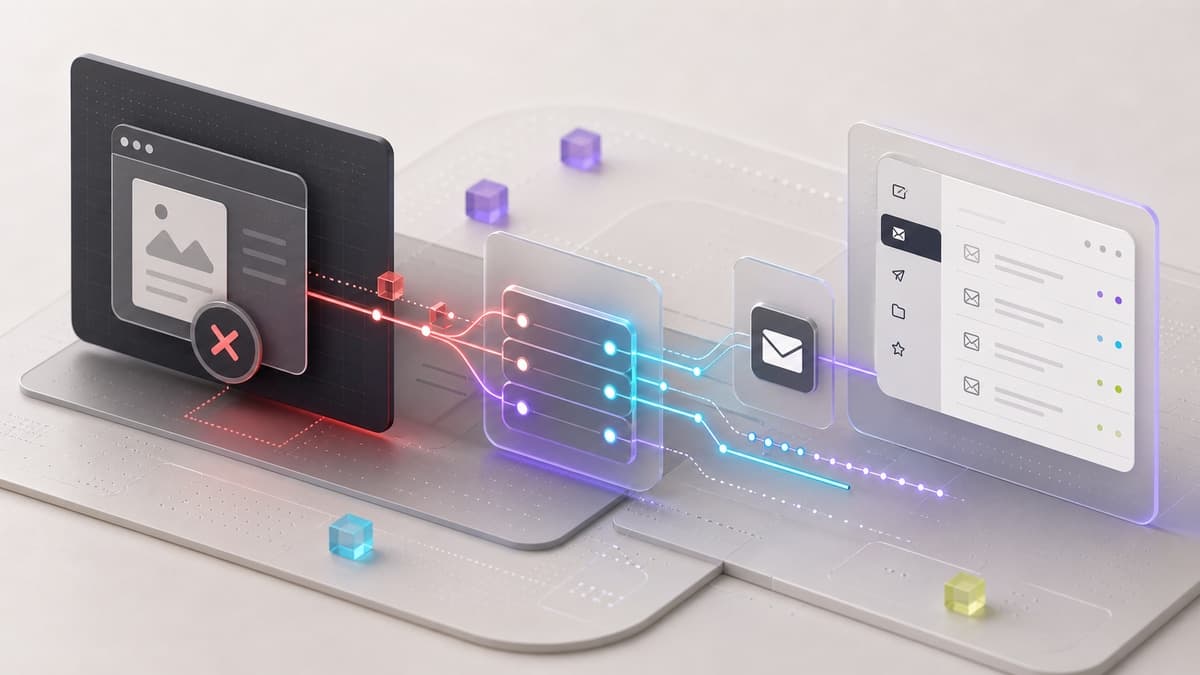
Preview deployments are supposed to make teams safer. They let you test a change before production traffic sees it. But if preview and development environments point at production data, the safety story falls apart quickly.
That was one of the April infrastructure lessons from private LMS and app work: a preview URL is not automatically a safe environment. It becomes safe only when database targets, migrations, cron jobs, email, and storage side effects are scoped correctly.
For teams moving from legacy hosting to modern app platforms, this is the same discipline we apply during website and platform migrations: production is protected by separation, not hope.
The Risk
The most dangerous setup looks deceptively simple:
- production uses the production database
- preview also uses the production database
- development uses local-safe credentials
- migrations run from whichever machine is active
- scheduled jobs do not know which environment they are in
That can work until it really does not. A preview test can mutate live records. A demo can send real emails. A migration check can run against the wrong branch. A cron endpoint can refresh data that was supposed to stay isolated.
The fix is to make environment boundaries explicit.
Separate Reads From Writes
Some teams start by asking, "Can preview read production?"
The better first question is, "Can preview write production?"
For most product teams, preview should not have write access to production systems. If a preview environment needs realistic data, use a staging clone or sanitized seed, not the live primary database.
That gives the team room to test:
- migrations
- admin flows
- onboarding emails
- data repair tools
- background jobs
without risking live users.
Use Environment Scope Deliberately
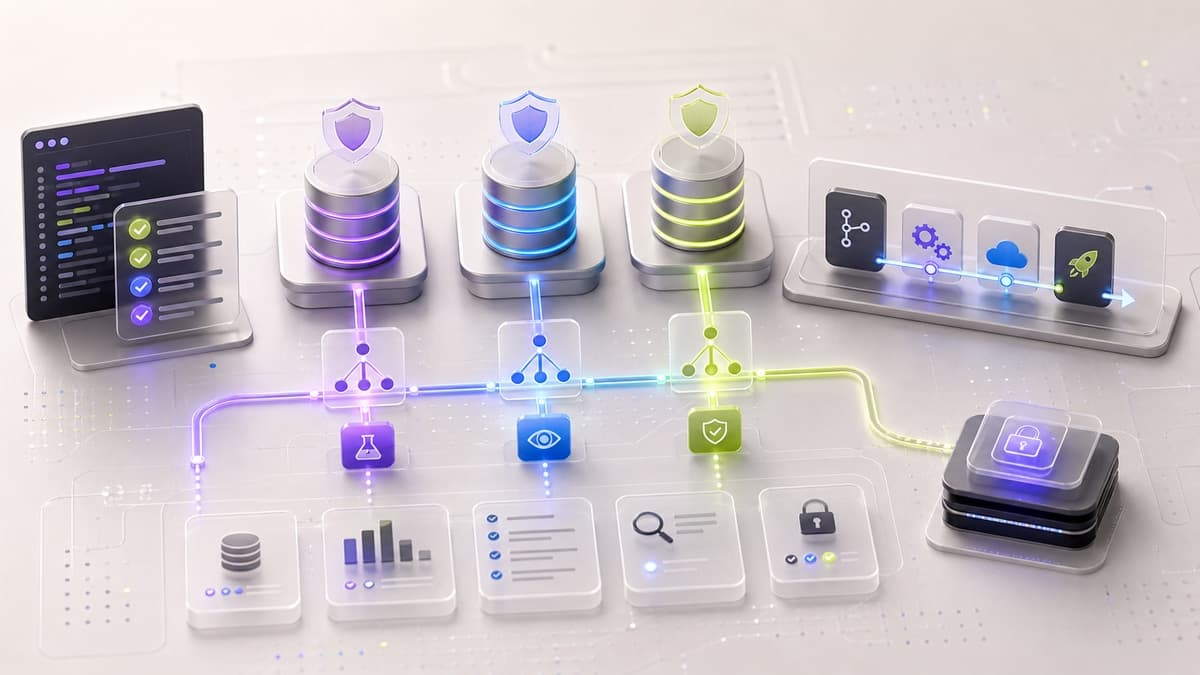
Vercel separates production, preview, and development environment variables. That separation should map to real infrastructure:
- production database for production
- staging or cloned database for preview
- local or shared development database for development
The app can also read deployment environment context to adjust behavior. That is useful for disabling side effects, showing non-production labels, and preventing accidental writes from the wrong target.
Do not rely on naming alone. Validate the connection target before running risky commands.
Clone Strategy Beats Seed-Only Demos
Seed data is useful for unit tests and local development. It is often too shallow for a realistic LMS, CRM, marketplace, or operations dashboard.
A staging clone gives preview deployments realistic relationships, edge cases, and legacy data shapes while still keeping production protected. The clone should be treated as disposable enough to refresh and controlled enough to avoid leaking sensitive data.
For LMS projects, that means being especially careful with:
- learner records
- email addresses
- course progress
- uploaded documents
- certificates
- staff notes
Sanitize or avoid anything that does not need to exist in preview.
Migrations Need a Gate
Before a schema change ships, the team should know:
- which database will receive it
- whether the migration is already applied
- whether rollback is possible
- whether preview has tested the same path
- whether production-only jobs are paused or safe
That sounds basic, but it catches the kind of mistakes that do not show up in a TypeScript build.
A good rollout check is boring and repeatable. It should confirm environment, database target, migration status, and side-effect flags before the deploy goes anywhere near production.
Cron and Email Are Side Effects Too
Database writes are not the only risk. Cron jobs and transactional email can create production impact even when the UI looks harmless.
Vercel Cron endpoints should be protected with a server-side secret, and the handler should still understand which environment invoked it. Email providers, webhook handlers, and scheduled syncs deserve the same treatment.
For preview environments, the safe default is:
- send to test inboxes only
- disable production cron work
- avoid webhook writes to live systems
- mark generated records as non-production
Rollout Boundaries
A useful infrastructure article should explain the rollout pattern without becoming a map of the actual system. It can show production, preview, and development boundaries while leaving database URLs, branch names, table names, migration filenames, deployment links, and environment values out of the page.
The Takeaway
Preview deployments are powerful only when they are paired with environment discipline. The safest setup is not complicated:
- production has production data
- preview has a staging clone or sanitized dataset
- development has local-safe credentials
- migrations are checked before deploy
- side effects are disabled or scoped outside production
That is the infrastructure version of measure twice, cut once. It keeps demos realistic, deployments calm, and production protected.
Keep the Thread Going
- Service path: Website Migration Toronto
- Related read: Moodle Migration Playbook for Production Stability
- Related public work: INSIGHT
- Ready to scope your own version? Start a project