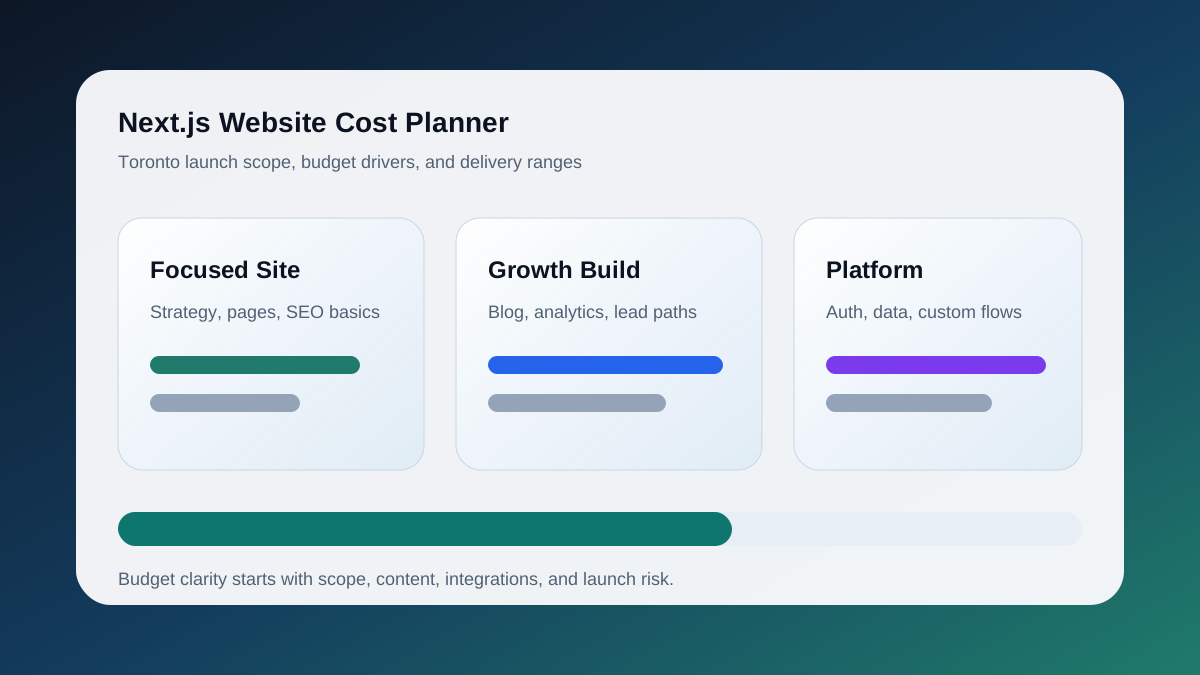
The honest answer: a serious Next.js website in Toronto usually starts around $6,000 to $12,000 for a focused marketing site and can move into $20,000 to $60,000+ when the project includes custom content models, advanced animation, ecommerce, dashboards, authentication, or complex integrations.
That range sounds wide because "Next.js website" can mean very different things. A five-page brochure site is not the same project as a conversion site with service landing pages, blog infrastructure, analytics events, schema, a quote flow, and Vercel deployment workflows.
A modern quote should account for image optimization, accessible mobile layouts, Search Console verification, analytics events, sitemap hygiene, and content updates after launch. If those pieces are missing from the proposal, the initial price is not telling the whole story.
2026 Quote Assumptions
When comparing Toronto Next.js quotes, make sure each proposal is pricing the same scope. A useful baseline includes:
- CAD pricing, not a converted USD estimate
- number of templates and priority pages
- mobile and desktop design review
- accessibility and responsive QA
- optimized images and media handling
- SEO metadata, canonicals, sitemap, and robots setup
- Search Console, GA4, and lead event verification
- form protection, email routing, and deployment checks
- post-launch monitoring or handoff documentation
Hosting, copywriting, photography, paid plugins, CMS licensing, and ongoing maintenance may be separate. That is fine as long as the quote says so clearly.
What Actually Drives the Price
The biggest cost driver is not the framework. It is the number of decisions the project has to resolve.
1. Strategy and Page Architecture
If the site needs to rank, the work starts before design:
- keyword map
- sitemap
- service page structure
- internal linking plan
- conversion goals
- proof hierarchy
- analytics requirements
A Toronto service business that needs pages for web design, SEO, Shopify, WooCommerce, and website migration needs more architecture than a single landing page.
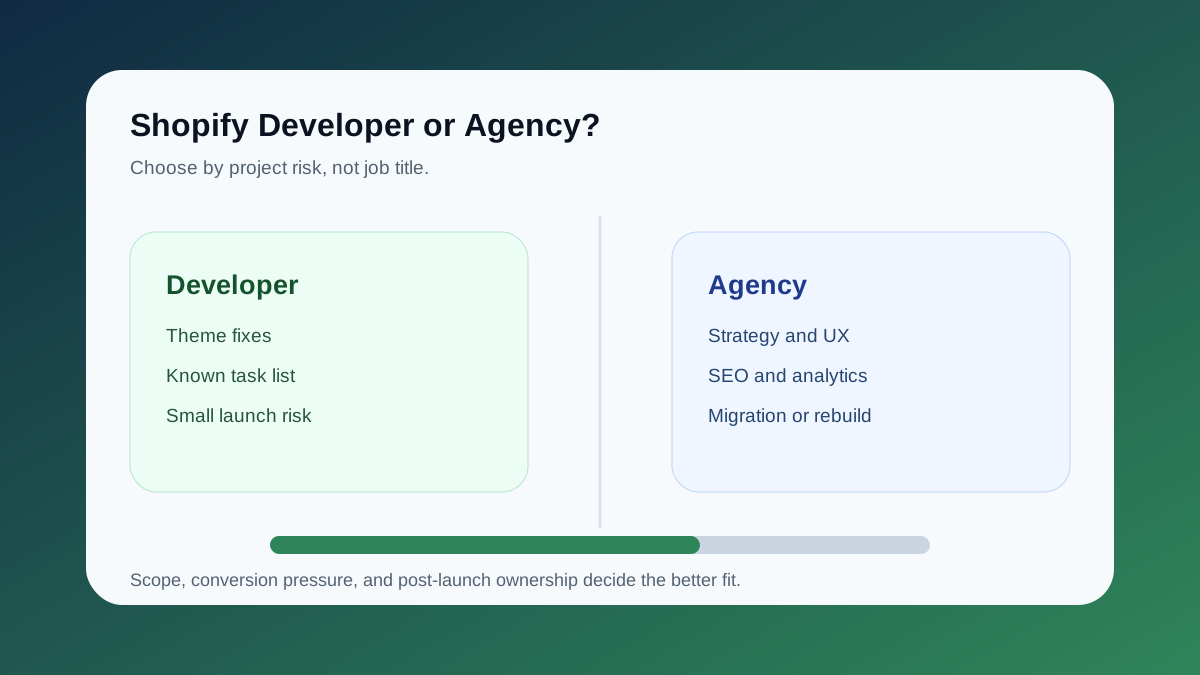
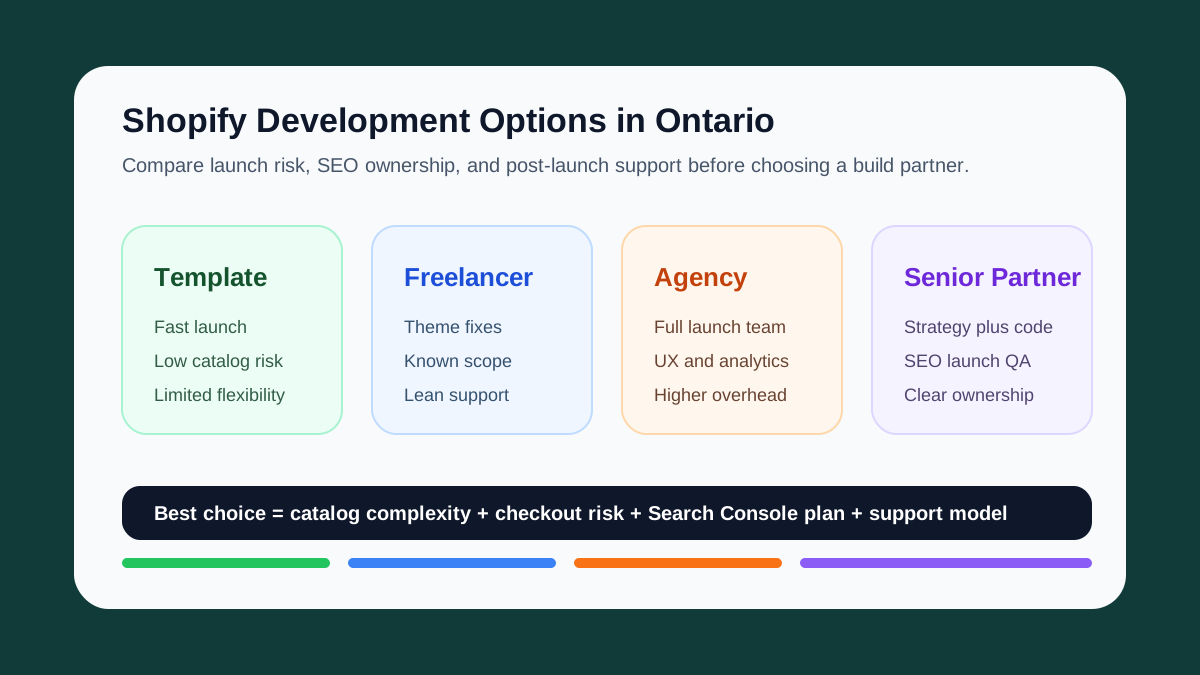
For ecommerce projects, the search path may need a dedicated Shopify Development Toronto page alongside the main build page. For organic growth projects, it may need a Toronto SEO Services page that connects technical fixes, content planning, and lead measurement.
2. Design Depth
Template-level design is cheaper. Custom design costs more because every section has to answer a business question:
- What does the visitor need to understand first?
- What proof makes the offer credible?
- Where should the CTA appear?
- What content is needed for local SEO?
- What needs to collapse or reorder on mobile?
For design-first projects, start with Web Design Toronto. For build-heavy projects, start with Next.js Developer Toronto.
3. Content and SEO Requirements
Next.js is excellent for SEO when the implementation is intentional. A real SEO-ready build includes:
- metadata per route
- canonical URLs
- Open Graph images
- sitemap generation
- robots rules
- structured data
- fast server-rendered content
- internal links between service and article pages
- Search Console verification
Skipping this is how teams end up with a beautiful site that Google barely understands.
4. Integrations
The price rises when the site needs to talk to other systems:
- Resend or transactional email
- CRM forms
- booking tools
- Stripe
- Shopify
- WordPress as a headless CMS
- Google Analytics 4
- Google Tag Manager
- Search Console
- Vercel environment variables
Each integration needs testing, error handling, and deployment setup.
Typical Toronto Next.js Website Ranges
| Project type | Typical range | Best fit |
|---|---|---|
| Landing page | $3,000-$7,500 | Single offer, paid ads, validation |
| Marketing site | $6,000-$15,000 | Services, proof, blog, forms |
| SEO growth site | $12,000-$30,000 | Service pages, schema, content system |
| Product or portal | $25,000-$75,000+ | Auth, dashboards, workflows, APIs |
These are not hard quotes. They are planning ranges that help you avoid comparing a template refresh to a production-grade build.
When Next.js Is Worth It
Next.js is worth the investment when you care about:
- speed
- custom UX
- technical SEO
- future content scale
- Vercel deployment workflow
- clean code ownership
- interactive tools or calculators
- long-term maintainability
If you only need a simple editable site and your team lives in WordPress, a WordPress build may be more practical. If you need a custom growth engine with fast pages and strong SEO control, Next.js is usually the better foundation.
Budget-Saving Advice
You can reduce cost without weakening the final result by making scope sharper:
- Start with the top 5-8 revenue pages.
- Use one reusable section system instead of bespoke layouts everywhere.
- Prioritize Search Console, GA4, and schema from day one.
- Launch the core site first, then add tools or programmatic pages later.
- Decide early whether content editing needs a CMS.
Keep the Thread Going
- Service path: Next.js Developer Toronto
- Related service: Technical SEO Audit Toronto
- Ecommerce path: Shopify Development Toronto
- SEO path: Toronto SEO Services
- Related guide: Next.js SEO Setup
- Ready to scope your own version? Start a project