For a small Shopify theme repair, a focused developer is usually enough. For a new store or migration, choose a partner who can own the catalog, theme, integrations, redirects, and launch checks together. An in-house hire makes more sense when that work is continuous.
This guide helps Ontario merchants compare those options and prepare a useful project brief. ValeoFX provides Shopify development, so this is our delivery perspective, not an independent agency ranking. The examples below show our published storefront work; they do not establish a sales or conversion uplift.
Choose Around the Work Your Store Needs
Start with the customer journey that needs to work: finding a product, choosing a variant, buying a subscription, requesting a wholesale account, or completing an order on mobile. Then list what the current theme and apps cannot support. That gives a developer something concrete to estimate.
For a launch, rebuild, or migration across Toronto, Brampton, or elsewhere in Ontario, review our Shopify development services and the storefront examples below.
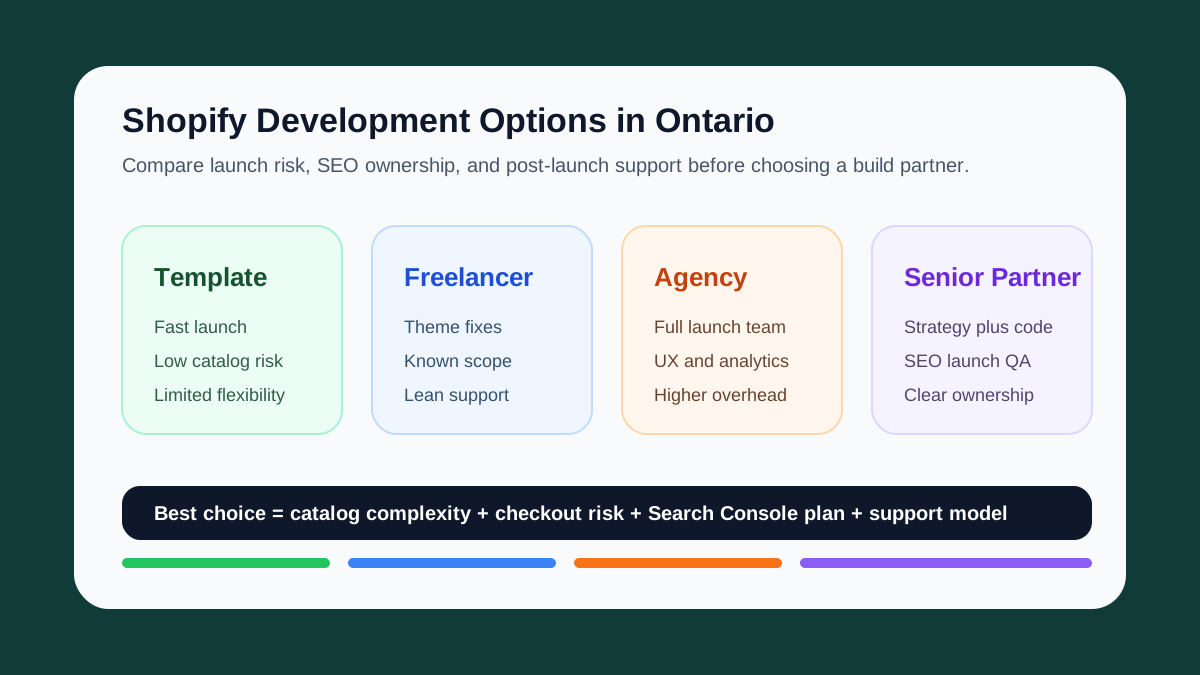
Fast Comparison for Ontario Merchants
| Option | Best fit | Confirm before hiring | Delivery ownership |
|---|---|---|---|
| Theme setup | A simple catalog and standard shopping flow | Theme license, editing needs, and required apps | Merchant plus setup support |
| Freelance developer | A specific Liquid, section, or integration task | Scope, regression checks, and handoff | Defined technical work |
| Shopify agency | A full launch with design, content, and integrations | Named delivery lead, responsibilities, and support terms | Multidisciplinary project team |
| In-house hire | A continuous ecommerce roadmap | Hiring timeline and coverage across design, code, and operations | Day-to-day internal delivery |
| Senior implementation partner | A build needing direct technical and planning involvement | Scope, decision access, and capacity after launch | Agreed project scope with a small team |
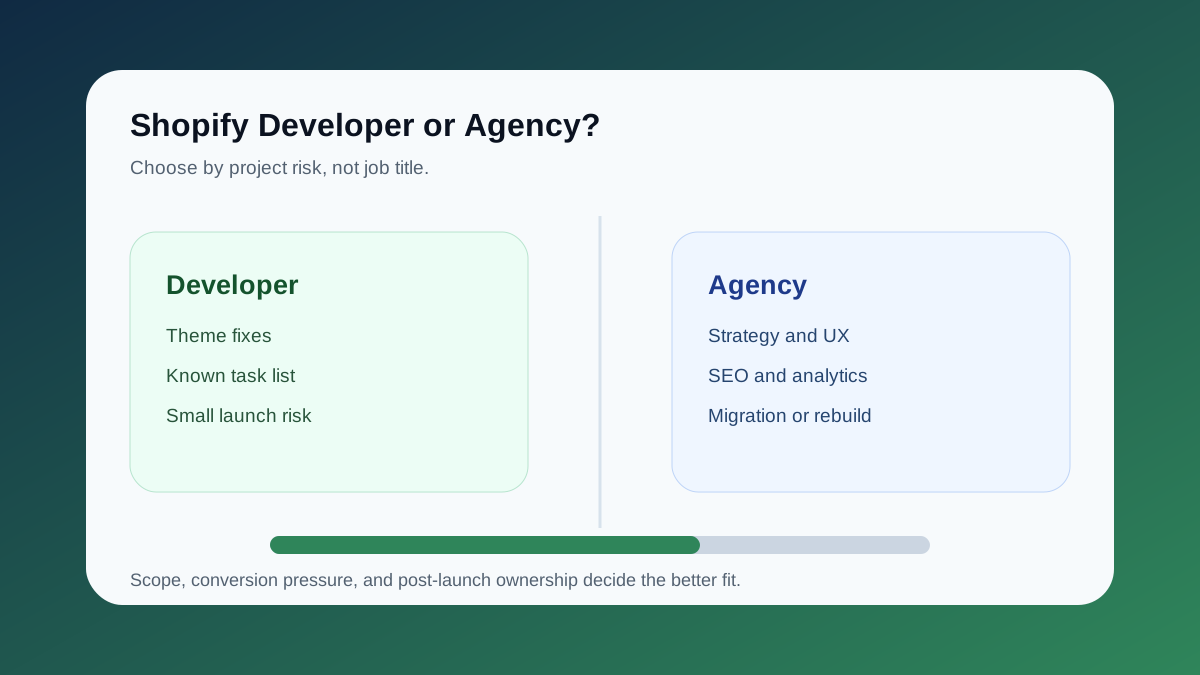
If the project is only a small theme fix, hire a focused developer. If the project could affect revenue, migration safety, or search visibility, choose a partner who can connect the build to Search Console, GA4, redirects, mobile checkout, and collection architecture.
For Shopify's own theme architecture context, see the official Shopify docs on sections and blocks. If checkout customization is part of the scope, compare the project against Shopify's checkout extension docs before assuming a basic theme change is enough.
Option 1: Shopify Theme Template
A template is the fastest way to launch when the brand is simple and the catalog is straightforward.
Best for:
- very early stores
- small product counts
- simple brand requirements
- teams validating demand
Watch for:
- bloated app stacks
- generic collection pages
- weak SEO structure
- poor mobile merchandising
- limited flexibility when the brand grows
Check the theme against representative products before committing: a simple item, a product with many variants, a sale item, and any subscription or bundle. A theme that works for the easiest product may still need custom work for the rest of the catalog.
Option 2: Freelance Shopify Developer
A freelancer can be excellent for targeted technical work.
Best for:
- theme fixes
- Liquid cleanup
- new sections
- simple app integrations
- short-term maintenance
Watch for:
- unclear scope
- weak strategy support
- no SEO review
- limited launch QA
- no backup if the developer is unavailable
If the task is narrow, a freelance Shopify developer can be the right call. If the project needs diagnosis, read Shopify Developer vs Shopify Agency in Toronto.
Option 3: Shopify Agency
A Shopify agency is useful when the store needs a complete build system.
Best for:
- new store launches
- migrations
- custom themes
- Shopify Plus
- conversion optimization
- app ecosystem planning
- analytics and tracking
Ask who will write and review the code, how scope changes are priced, and what happens when an app or integration blocks launch. A larger team is useful when its responsibilities are clear.
The best agency-style work has clear ownership: one team responsible for UX, theme quality, SEO setup, launch QA, and post-launch measurement.
Option 4: In-House Shopify Hire
An in-house hire makes sense when ecommerce is central to the company and the roadmap never stops.
Best for:
- brands with constant merchandising work
- complex operations
- frequent theme experiments
- internal product ownership
Watch for:
- long hiring cycles
- narrow skill coverage
- dependency on one person
- no senior review across SEO, analytics, and architecture
Many Ontario brands use a hybrid model: internal ecommerce manager plus external senior development support.
Option 5: Senior Implementation Partner
This is the lane ValeoFX usually fits.
It works well when you want direct access to the people planning and implementing the store, with an agreed scope and a named decision maker on your side.
Best for:
- Shopify builds that need senior technical judgment
- Ontario merchants comparing platform and architecture options
- ecommerce SEO cleanup
- migration planning
- checkout and conversion improvements
- launch support and ongoing iteration
The advantage is that strategy and implementation stay close together. The same team that maps the store structure can also implement the theme, redirects, metadata, tracking, and QA.
For ValeoFX, that usually means:
- keyword and product/category structure review before design decisions lock in
- Shopify theme or headless architecture recommendations based on the store's actual constraints
- collection and product-page SEO checks before launch
- Search Console and GA4 verification after launch
- a realistic post-launch backlog for conversion, speed, and merchandising improvements
Shopify Storefronts to Review
The Amberya fragrance storefront connects premium merchandising with product discovery, localization, search, and cart access. Review it when your brief involves a brand-led catalog and a consistent shopping experience across desktop and mobile.
The Too Fast Mississauga auto-parts storefront includes category navigation, search, vehicle selection, and product discovery. It is relevant when customers need help narrowing a larger catalog before they can choose a product.
The GUAM body-care Shopify case study shows botanical merchandising, a nine-product collection, format and body-area navigation, product detail, and routine guidance. Its desktop and mobile captures come from an authenticated review of a password-protected preview; they do not establish public launch, completed checkout testing, or sales results. Review it when your brief needs editorial brand presentation alongside practical product discovery.
These case studies document the delivered interfaces and customer paths. Ask a prospective partner to show comparable work and explain which parts they actually delivered, rather than relying on a client logo or an unsupported revenue claim.
What Ontario Merchants Should Ask Before Hiring
Before choosing a Shopify developer or agency, ask for specifics:
- How will product, collection, and blog URLs be structured?
- Who owns redirect mapping if you are migrating from WooCommerce or another platform?
- How will Shopify apps affect speed, checkout, and tracking?
- What gets tested on mobile before launch?
- How will Search Console, GA4, and conversion events be checked after launch?
- Which parts of the build are custom Liquid sections versus app configuration?
- Who owns the Shopify account, theme license, source code, app subscriptions, and handoff documentation?
- What proof will appear on collection, product, and service pages to reduce buyer hesitation?
Clear answers here matter more than a big portfolio. A good Shopify partner can explain the tradeoffs in plain language and still execute the theme, SEO, analytics, and launch QA.
What to Include in an Ontario Store Brief
Send the same brief to each partner so you can compare the scope instead of just the headline price:
- Catalog: approximate product and variant counts, collections, subscriptions, bundles, and any fitment or compatibility data.
- Markets: where you sell, supported currencies and languages, pickup locations, and shipping services. Have your business supply the tax requirements for configuration and testing.
- Integrations: payment providers, fulfillment, email, inventory, accounting, and any systems that need to exchange data.
- Migration: your current platform, important landing pages, order and customer history requirements, and the URLs that need redirects.
- Checkout: the exact changes you need, with plan and extension eligibility checked before they are priced.
- Operations: who supplies copy and photography, who approves work, target launch date, and who will manage the store afterward.
Ask the quote to separate theme development, content entry, migration, integrations, paid app or theme costs, and ongoing support. Product count alone is a poor estimate: a small store with subscriptions and inventory integrations can need more work than a large straightforward catalog.
What Should Be Verified Before Launch?
Agree on a checklist that covers representative products and variants, search and filters, discounts, shipping and pickup scenarios, and the mobile cart. Test the configured payment and order flow using Shopify's appropriate test setup before accepting real orders.
For a migration, check the redirect map and important organic landing pages as well as the new design. Confirm that the analytics setup records the intended customer actions and that someone owns the first post-launch review. A launch checklist reduces avoidable errors; it cannot guarantee unchanged rankings or higher sales.
How to Choose the Right Shopify Partner
Use this decision path:
- If you need to validate demand quickly, start with a clean template.
- If you need a known fix, hire a developer.
- If you need a full launch, use an agency-style partner.
- If Shopify is core to daily operations, consider in-house ownership.
- If you need strategy plus code, use a senior implementation partner.
For SEO-sensitive stores, do not separate the build from search planning. Product pages, collection hierarchy, blog content, schema, internal links, redirects, and analytics should be part of the launch plan from day one.
Ready to discuss a store launch, repair, or migration? Send your URL, the customer journey you want to improve, and the brief above. We will use those details to scope the work through our Shopify development service.
Related Shopify Planning Guides
- Service path: Shopify Development in Ontario, Canada
- Decision guide: Shopify Developer vs Shopify Agency in Toronto
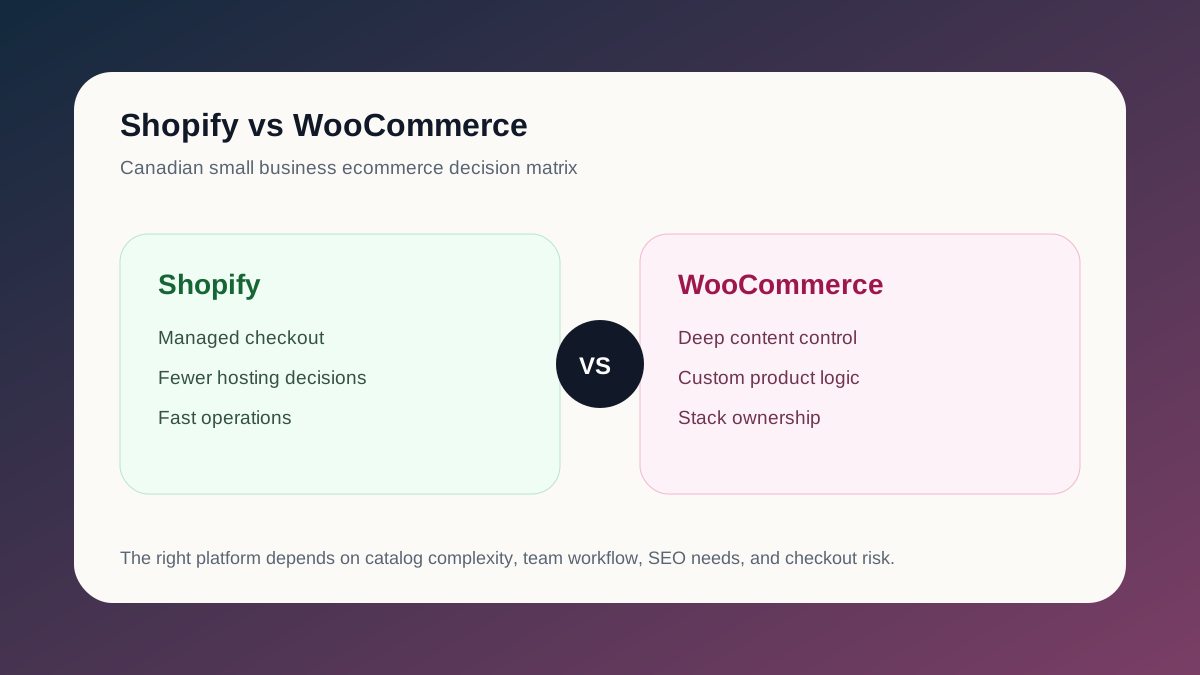
- Platform comparison: Shopify vs WooCommerce for Canadian Small Businesses
- Conversion guide: Ecommerce Websites That Convert
- Ready to scope your store? Start a Shopify project