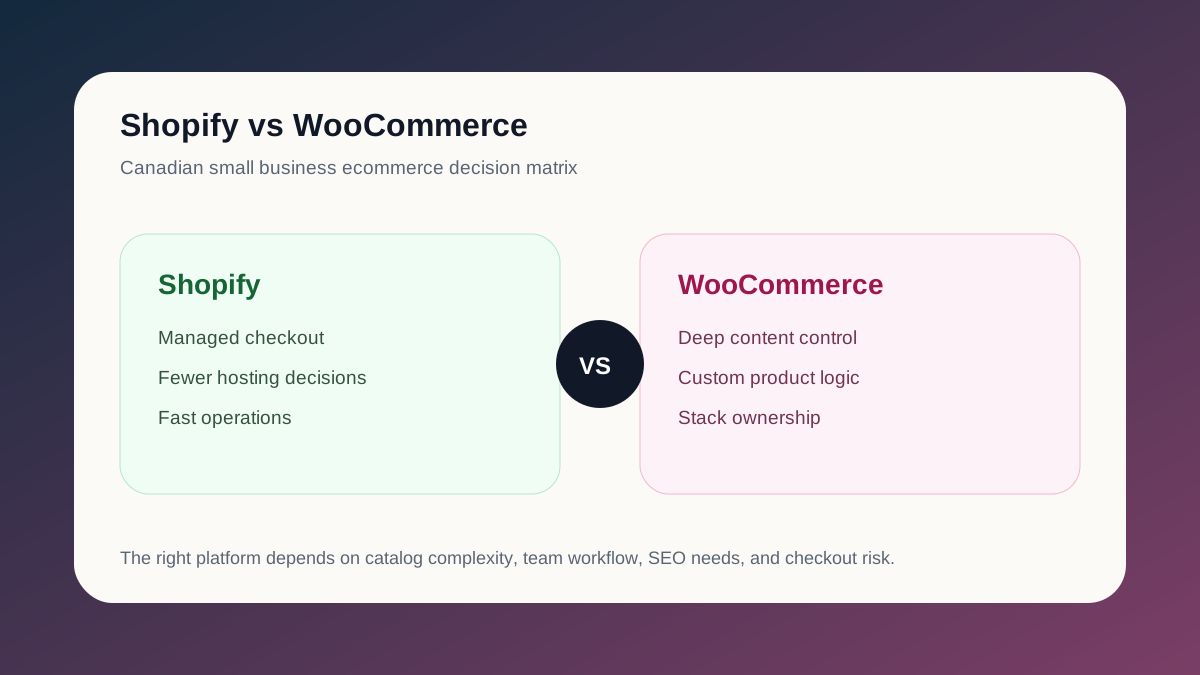
Shopify and WooCommerce can both work for Canadian small businesses. The better choice depends on how much control you need, how complex your catalog is, how often your team changes content, and whether your bottleneck is operations or customization.
The short version:
- choose Shopify when you want a managed ecommerce platform with reliable checkout and simpler operations
- choose WooCommerce when you need deeper WordPress content control, unusual product logic, or more ownership over the stack
Shopify Strengths
Shopify is usually the cleaner choice when the business wants fewer technical decisions.
Good fit:
- retail brands launching quickly
- simple product catalogs
- teams that want a managed checkout
- stores that rely heavily on email, reviews, subscriptions, or loyalty apps
- merchants who want Shopify Payments and a predictable admin UI
The tradeoff is that deeper customization can require Shopify Plus, app workarounds, or custom theme development.
For custom store builds, see Shopify Development Toronto.
Canadian Cost and Operations Comparison
The platform fee is only one part of the decision.
| Decision Area | Shopify | WooCommerce |
|---|---|---|
| Hosting | Managed by Shopify | Your hosting stack and maintenance |
| Checkout | Managed, reliable, limited customization unless Plus | Flexible, but plugin and performance quality matter |
| Payments | Shopify Payments plus gateways | Stripe, PayPal, Interac-friendly plugins, and gateway choice |
| Tax/shipping | Strong app ecosystem for Canadian operations | Flexible but requires more configuration |
| Content | Good for standard ecommerce content | Stronger for editorial-heavy SEO sites |
| Maintenance | Lower operational burden | Higher ownership and update responsibility |
For a small Canadian store, Shopify often wins when the team wants fewer technical decisions. WooCommerce wins when content, custom logic, or ownership matters more than managed simplicity.
WooCommerce Strengths
WooCommerce is stronger when WordPress content and ownership matter.
Good fit:
- content-heavy stores
- B2B catalogs with custom quote flows
- stores with unique product or shipping logic
- teams already invested in WordPress
- businesses that need more control over hosting, plugins, and templates
The tradeoff is maintenance. Plugin conflicts, speed issues, and checkout friction are common if the store is not actively managed.
For technical cleanup, see WooCommerce Developer Toronto.
SEO Comparison
Both platforms can rank. The SEO difference usually comes from implementation quality, not platform choice.
Shopify SEO advantages:
- clean default product structure
- solid managed hosting
- app ecosystem for reviews and feeds
- less plugin bloat
WooCommerce SEO advantages:
- stronger editorial flexibility
- deeper WordPress content control
- easier custom content hubs
- more control over templates and schema
For Canadian small businesses, the winning SEO setup is usually:
- clear collection/category pages
- fast product pages
- unique product copy
- review and FAQ content
- clean schema
- strong internal links
- Search Console monitoring
Checkout and Conversion
Shopify tends to win on checkout reliability. WooCommerce can perform well, but it needs more care:
- fewer checkout fields
- trusted payment methods
- clear shipping and returns
- mobile-first product pages
- no surprise fees
- fast cart and checkout loading
If your store already gets traffic but sales are weak, start with a checkout audit before committing to a platform migration.
SEO Operations Checklist
Whether you choose Shopify or WooCommerce, search performance depends on the operating system around the platform.
Before launch or migration, confirm:
- product and collection/category URLs are crawlable
- canonical URLs resolve cleanly
- old URLs have redirect targets
- product images are compressed and descriptive
- category pages have useful copy, not just product grids
- Search Console and GA4 are connected before traffic changes
- internal links point from guides, services, and case studies into commercial pages
This is where many ecommerce rebuilds lose ground. The store can look better and still lose visibility if redirects, metadata, and internal links are treated as afterthoughts.
When to Migrate
Move from WooCommerce to Shopify if:
- plugin conflicts are slowing the store down
- checkout issues keep recurring
- your team wants less maintenance
- apps can cover your requirements
Stay on WooCommerce if:
- custom content is central to sales
- product logic is unusual
- WordPress ownership matters
- you have the budget to maintain it properly
Recommendation by Business Type
- New product brand with a simple catalog: start with Shopify and invest in product photography, collection SEO, and email capture.
- Content-heavy Canadian retailer: keep WooCommerce or use a hybrid approach if educational content drives sales.
- Growing store with recurring checkout issues: evaluate Shopify before spending more on plugin firefighting.
- Custom B2B catalog: WooCommerce or a custom app may be safer unless Shopify Plus covers the workflow.
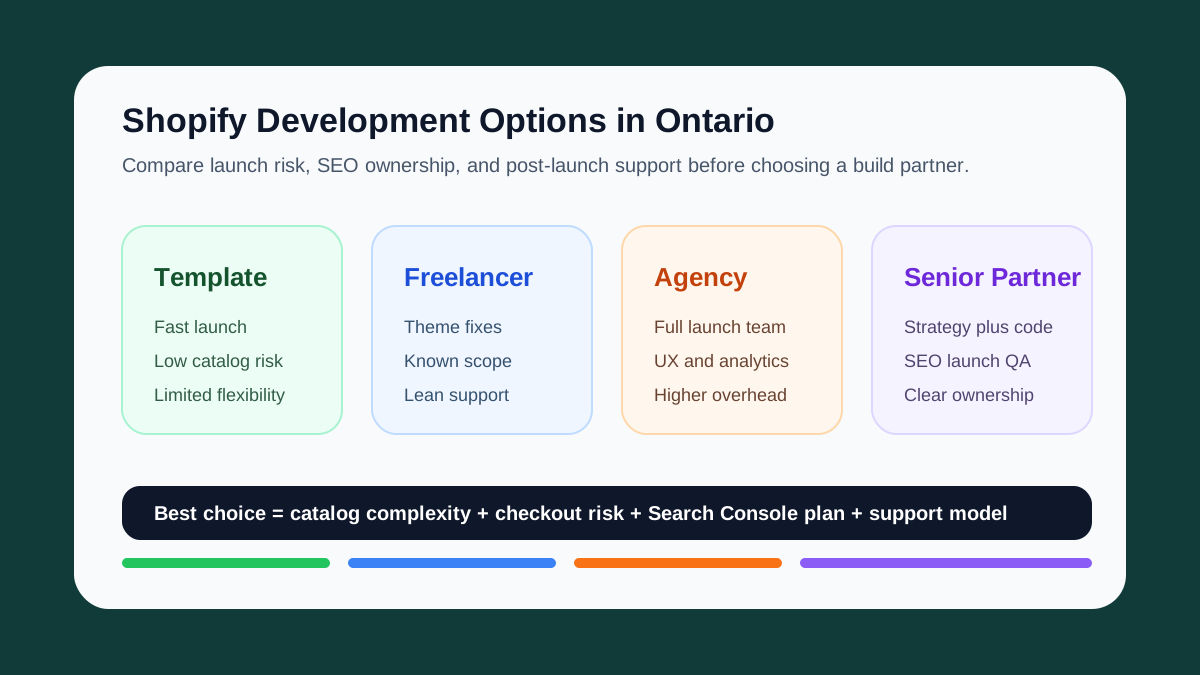
- Ontario merchant comparing agencies: ask each partner to show the redirect, analytics, and Search Console plan, not just the theme mockup.
Keep the Thread Going
- Service path: Shopify Development Toronto
- Ontario options: Best Shopify Development Options in Ontario
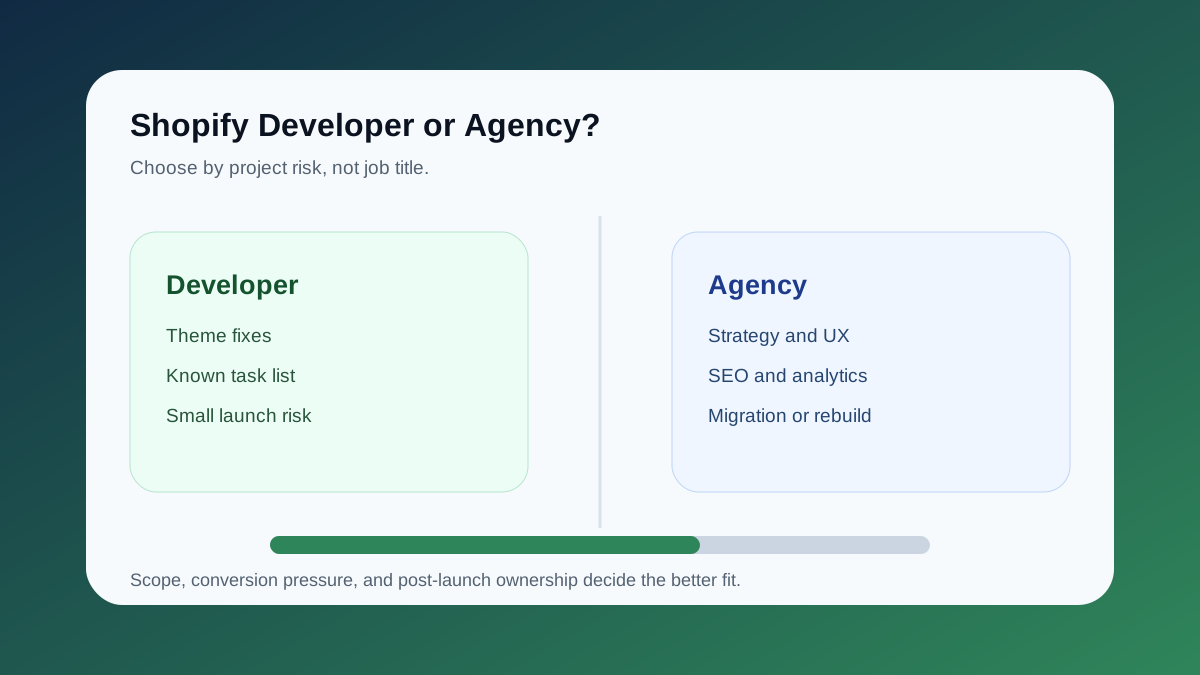
- Hiring guide: Shopify Developer vs Shopify Agency in Toronto
- Related service: WooCommerce Developer Toronto
- Related read: WooCommerce Checkout Optimization
- Ready to scope your ecommerce path? Start a project