
Website maintenance cost in Canada depends on what someone is responsible for keeping working. Hosting, software renewals, routine updates, content edits and emergency repairs are separate costs, even when a provider combines them into one invoice.
There is no useful single price for a small information site, an online store and a learning platform. Start with your actual bills, then price the work and response coverage your business needs. This guide explains how to build that budget and compare quotes without confusing a hosting subscription with ongoing developer support.
What should a website maintenance budget include?
Separate recurring services from labour. For each item, record the owner, renewal date, billing currency and whether it is already included elsewhere.
| Budget item | What to confirm |
|---|---|
| Hosting or platform subscription | Renewal price, resource limits, overage charges and support scope |
| Domain and email | Who owns the accounts, renewal dates and whether email is separate |
| Themes, plugins and apps | Active licences, annual renewals and what happens if a licence expires |
| Routine maintenance | Updates, testing, monitoring and a record of completed work |
| Backups and recovery | What is saved, how often, where it is stored and who restores it |
| Content changes | Included tasks or hours, approval process and additional-work pricing |
| Incident response | Coverage hours, initial response target and charges for recovery work |
A lower invoice may simply leave more work with your team. That can be reasonable if someone has the time and skills. The problem is leaving responsibility unassigned.
Published Canadian maintenance prices: what is included?
These provider examples were checked on 31 October 2026. They are published CAD prices with different scopes, not a market average, a recommended price range or ValeoFX plans.
| Provider and plan | Published price | Included work and conditions |
|---|---|---|
| Ambrite Care | CAD $49 per month, per site | Daily WordPress, theme and plugin updates; daily backups retained for 90 days; monitoring; 30 minutes of edits and small fixes monthly. Month-to-month; unused edit time does not roll over. |
| WP Expert Professional | CAD $157 per month | WordPress hosting, software and plugin updates, daily backups, security monitoring, monthly reporting, staging and one hour of site updates. Its published maintenance plans exclude WordPress Multisite. |
Ambrite says its plans work with an existing host; do not assume hosting is included. Its cancellation policy stops future billing without refunding the paid period. WP Expert includes hosting, so account for that when comparing totals; confirm its contract duration, cancellation terms and any onboarding charges in writing.
These examples show why the scope matters more than the headline price. Check current terms, taxes and eligibility directly with the provider before committing.
Hosting prices are only one part of the cost
Hosting and platform subscriptions need a separate line unless included in maintenance. Two examples checked on 31 October 2026:
- Shopify Basic in Canada: CAD $37 per month when paid yearly, before separately budgeting for apps, payment fees and development.
- Kinsta Launch hosting: USD $35 per month after the first-month promotion on monthly billing. Annual billing has a different payment schedule.
These are third-party subscription examples, not ValeoFX fees. Confirm renewal terms, taxes and resources. Keep USD charges visible in a Canadian budget, including conversion fees. Check existing backup coverage before buying another service; a backup feature does not automatically include recovery labour.
What changes the amount of maintenance work?
A simple business website
A site with a few service pages and a contact form may need relatively few changes. It still needs someone to check that enquiries arrive, renewals succeed and updates do not break important pages.
Page count alone is a weak measure. One booking form connected to several outside systems can require more attention than dozens of information pages.
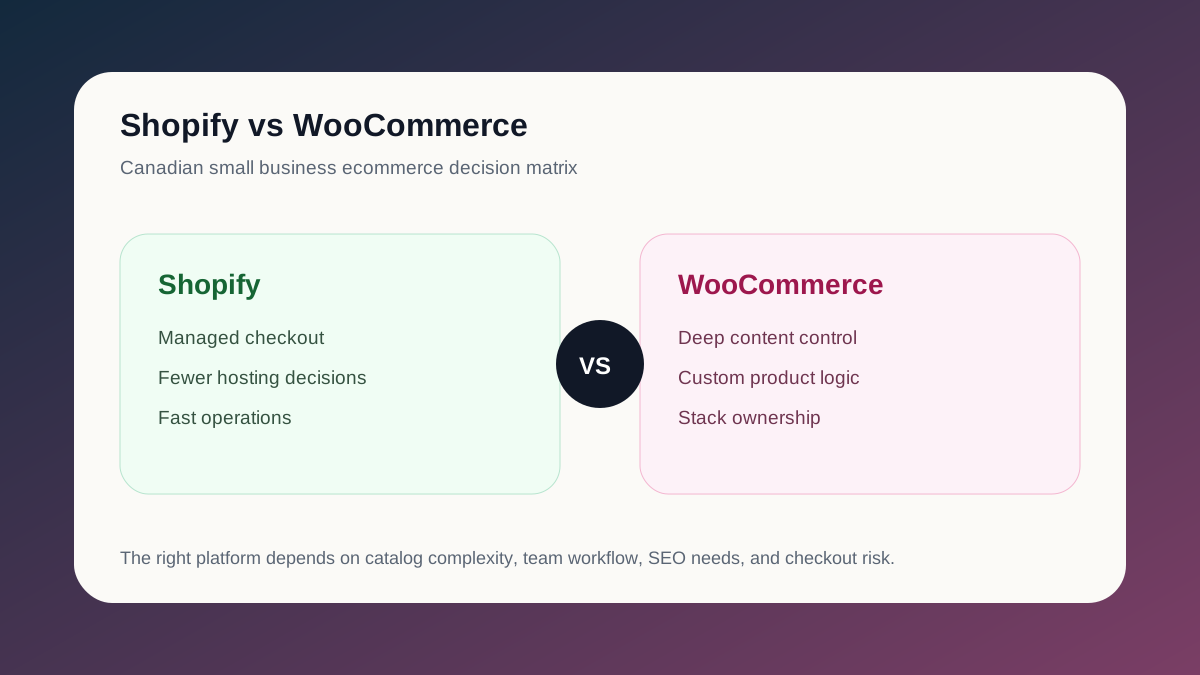
WordPress and WooCommerce
WordPress maintenance should account for core software, themes, plugins and the hosting environment. Ask which updates are tested before release and which checks happen afterward.
For WooCommerce, include cart behaviour, checkout, payment callbacks and order emails in the agreed testing scope. A dashboard with no pending updates does not establish that customers can complete an order. Our WordPress and WooCommerce performance guide also shows why performance work can involve hosting, images, plugins and application behaviour rather than one setting.
Learning platforms and custom applications
A learning platform may need checks around login, course access, submissions and scheduled jobs. A custom application may depend on separate databases, APIs and deployment services.
Our public Moodle production playbook explains why code, database, uploaded files and runtime need to stay aligned. That is a useful maintenance budgeting question: who owns each layer, and who checks the complete workflow after a change?
Backups, security and restores need clear owners
The WordPress backup handbook distinguishes the database from the site files. A typical WordPress site needs both for a full restore. Downloading the website folder alone usually does not preserve the database.
Ask for a recovery scope that answers:
- How often are backups taken, and how long are they retained?
- Is there a copy separate from the live hosting environment?
- Who checks failures and tests a restore?
- How much recent information could be lost between backups?
- Is restoration labour included, and what happens outside working hours?
Security needs similar clarity. Assign responsibility for application updates, server software, account access and alerts. Agree how urgent patches are handled when they cannot wait for the next routine maintenance window.
Backups and updates reduce risk. They do not justify a promise that a website can never be compromised or go offline.
One-off repairs versus monthly maintenance
Use a one-off scope when there is a defined problem: a broken form, an expired licence, a failed update or a performance issue that needs investigation. Request a diagnostic scope first when the cause is unknown. A repair estimate should explain what happens if investigation reveals a larger issue.
Monthly maintenance makes sense when recurring tasks and access to help justify ongoing coverage. Specify the routine work, included change allowance, reporting and escalation process. Ask whether unused hours expire, carry forward or are not part of the model at all.
Existing problems may need a separate onboarding repair before routine maintenance begins. Keep that amount separate so the first invoice does not become a misleading estimate of every future month.
How to calculate your monthly website budget
Use this worksheet with actual invoices and scoped quotes:
- Add recurring vendor bills. Include hosting, email, apps and other monthly subscriptions.
- Divide annual renewals by twelve. Include domains, licences and yearly platform bills, while recording when the full payment is due.
- Add the agreed maintenance fee. Confirm which vendor costs it already includes to avoid double counting.
- Allow for planned changes. List upcoming content or feature work outside routine maintenance and request separate estimates.
- Agree incident spending rules. Decide who can authorize additional investigation and when work must pause for approval.
For annual planning, multiply the recurring monthly total by twelve, then add separately quoted onboarding and projects. Keep a contingency appropriate to your business, but label it as your planning allowance rather than a provider fee.
For a brochure site, begin with forms, updates and recovery. For a store, include the order journey and integrations. For a learning platform, include student access and scheduled processes. Those different responsibilities explain cost differences more usefully than a generic “small business” package.
Compare support promises before comparing totals
“Priority support” needs a definition. An initial response is different from a diagnosis, a workaround or a complete fix. Ask providers to name their coverage hours and time zone, severity levels, contact channel and exclusions.
Be careful with “unlimited changes” or an unbounded service-level agreement. What counts as a request? Can several tasks run at once? Are redesigns, third-party outages and after-hours recovery included? A promise without limits is difficult to price and difficult to hold someone to.
Ask for a short maintenance record showing completed changes, checks, open issues and the next priorities. Also confirm your access to domains, hosting, licences and backups if the engagement ends.
Frequently asked questions
Is website maintenance the same as hosting?
Hosting supplies the environment or platform. Maintenance assigns work around your website. There can be overlap, so compare the written scope rather than paying twice or assuming everything is covered.
Can I maintain my website myself?
Yes, if you can manage the updates, checks and recovery process. Include your time in the decision and arrange help for work beyond your skills. Keep account ownership and recovery instructions documented.
Does maintenance include SEO and content updates?
Only when agreed. Technical checks, writing new articles, editing product pages and running an SEO campaign are different tasks. Our website maintenance retainers can be scoped around the ongoing engineering and improvements your site needs.
How do I get a useful maintenance quote?
Share your website URL, platform, current provider costs, known problems, expected changes and required support hours. Identify the tasks that matter most, such as enquiries, purchases or student access. Start a project enquiry with that information so we can define the scope before quoting.