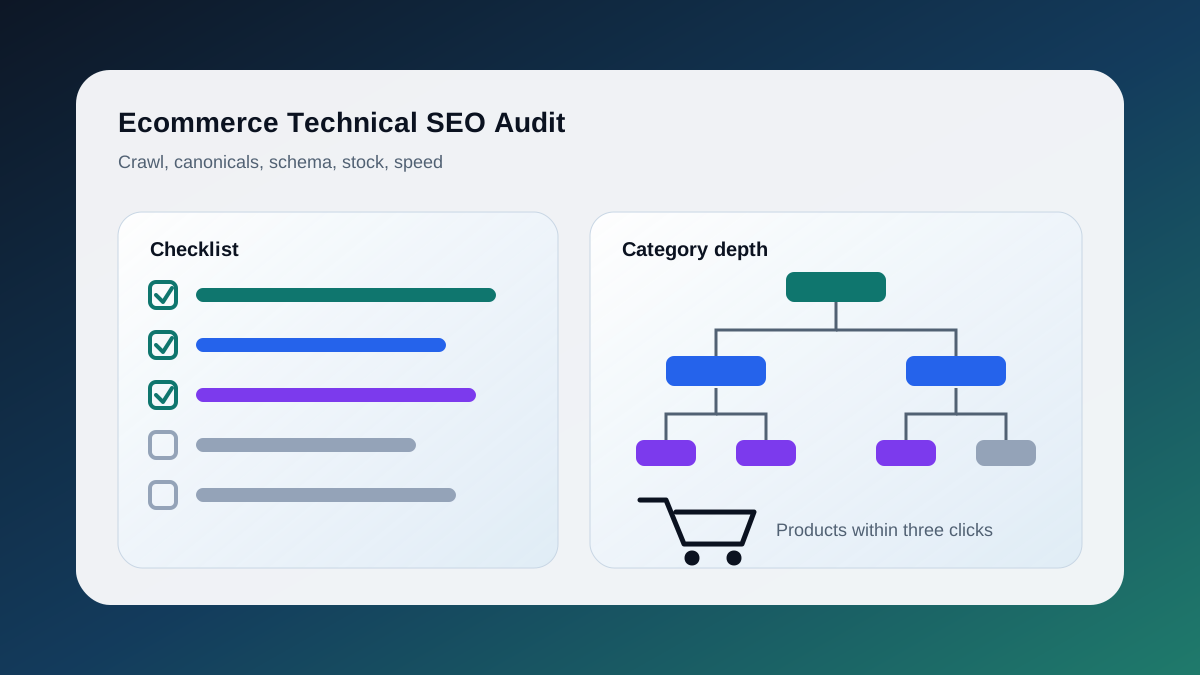
An ecommerce technical SEO audit is a structured review of everything that sits between a search crawler and your product catalogue: how URLs are generated, which ones get crawled and indexed, how product data is described in structured markup, how stock changes are handled, and how quickly pages respond on real devices. It differs from a content audit because most problems come from the platform, theme, or filter system rather than from copy. This is the checklist we run on Shopify, WooCommerce, and headless storefronts for Toronto and Canadian merchants. It covers crawl budget and faceted navigation, canonicalization of variants and filters, product schema, out-of-stock and discontinued handling, pagination, internal linking and category depth, Core Web Vitals, images, and currency or regional setup. Each section opens with a direct answer, then explains what to check and how to fix it. A prioritized table at the end turns the findings into an order of work.
Why Does Crawl Budget Matter More for Stores Than Other Sites?
Crawl budget matters for stores because filters, sorts, and variants multiply a few thousand products into millions of URLs. Google's own guidance says crawl budget is a concern for sites with roughly one million or more unique pages, or ten thousand plus pages that change daily. Faceted catalogues cross those lines quickly.
A 3,000-product store behaves like a million-page site because three colour filters, four size filters, two sort orders, and a price slider produce hundreds of near-duplicate URLs per category. Google's crawl budget documentation, updated July 2026, is explicit that noindex does not save crawl budget, because the crawler still requests the page before it sees the tag. That explains the wall of "Discovered, currently not indexed" URLs in so many Search Console accounts. To check, export the Pages report and group excluded URLs by parameter; if parameter URLs outnumber product URLs, crawl budget is being spent on filters.
How Do You Audit Faceted Navigation Without Wasting Crawl Budget?
Decide which filter combinations deserve to be indexed, then block everything else from crawling with robots.txt rather than relying on canonical tags alone. Google's faceted navigation guidance, updated December 2025, recommends robots.txt for facets you do not want indexed and treats canonicals as a weaker, longer-term signal.
Classify facets into three groups:
- Indexable facets that match real search demand, such as "men's waterproof hiking boots", with clean URLs and their own title, heading, and copy.
- Crawlable but not indexable facets that help discovery but should not compete for rankings. Keep these to a minimum.
- Blocked facets such as sort order, price sliders, and view toggles. These belong in robots.txt.
Google also asks that the order of filter parameters never changes and that duplicate filters cannot appear, so ?color=red&size=m and ?size=m&color=red should resolve to one URL, and that filter combinations with zero results return a 404 rather than an empty 200 page. Test by reordering filters manually; if the URL changes but the page does not, you have found duplication.
On Shopify, tag-based filter URLs are the usual culprit; on WooCommerce it is ?filter_ and ?orderby. The resulting symptoms are covered in why a website is indexed but not ranking.
How Should Product Variants and Filters Be Canonicalized?
Canonicalize variant URLs to the parent product unless a variant has distinct search demand and distinct content. Canonicalize filtered category URLs to the unfiltered category unless the filter is one of your indexable facets. Every canonical target must return 200, be self-referencing, and appear in the sitemap.
Variants are the most common canonical mistake we see. Shopify's default canonical from ?variant=123 back to the base product URL is correct; problems start when an app injects a second canonical, or when merchants publish a separate product page per colour with 95 percent shared copy and leave them all self-canonical.
With a crawler such as Screaming Frog, filter for canonicals that point to a noindexed, redirected, 404, or robots-blocked URL, then for canonical chains, then for sitemap URLs that do not match the page canonical. Canonicals are a hint, not a directive; when links, sitemap, and canonicals disagree, Google picks its own winner.
Which Product Schema Belongs on a Product Page?
Product pages need Product with a nested Offer that carries price, priceCurrency, and availability. Add AggregateRating and Review only when the reviews are real, visible on the page, and sourced from customers. Skip HowTo entirely, and do not expect FAQPage to produce rich results.
Google's product snippet documentation, updated September 2026, lists name as required alongside at least one of offers, review, or aggregateRating. For Canadian merchants priceCurrency should be CAD and must match the price a shopper sees; markup that disagrees with the page is a common cause of Merchant listing warnings.
On ratings, Google's review snippet guidelines say ratings must be sourced directly from users and the review content must be readily available on the marked-up page. Markup that inflates a count or pulls a rating from a widget that is not rendered will eventually be flagged. If a product has no reviews, leave aggregateRating out.
Two rich result types are gone. Google retired HowTo rich results in 2023, and the Search Central changelog confirms FAQ rich results stopped appearing on May 7, 2026. FAQPage markup does not cause errors, but it earns nothing. Test five product URLs, including one out-of-stock item, in the Rich Results Test, then review the Merchant listings report in Search Console.
What Happens to Out-of-Stock and Discontinued Products?
Keep temporarily out-of-stock products live with availability set to OutOfStock or BackOrder, a visible restock message, and links to alternatives. Permanently discontinued products should 301 redirect to the closest replacement or parent category, or return a 410 when nothing comparable exists.
Google's product snippet documentation accepts InStock, OutOfStock, BackOrder, PreOrder, SoldOut, and Discontinued, among others. Using them accurately keeps the merchant listing valid while the shelf is empty.
The audit question is whether the platform default matches the business rule. Shopify keeps sold-out products live, but many themes hide the add-to-cart button without updating the schema. WooCommerce can hide out-of-stock items entirely, which drops the page and its rankings the moment inventory hits zero. Both should be deliberate choices.
Check for soft 404s (product URLs returning 200 with a "not found" body), products out of stock for more than a season with no redirect plan, and seasonal items such as winter tires for Toronto shoppers that are deleted and recreated every year with a new URL. Keep one permanent URL per seasonal product.
How Should Category Pagination Be Handled?
Give every paginated category page its own self-referencing canonical, link pages in sequence with normal anchor tags, and do not canonicalize page two onward to page one. Google no longer uses rel="next" and rel="prev", and it ignores URL fragments, so #page=2 style pagination is invisible to the crawler.
Google's pagination guidance for ecommerce, updated December 2025, is clear on all three points. The mistake we still find most often is a page-one canonical applied across the sequence, which removes the only crawl path to the products on later pages.
Infinite scroll needs a paginated fallback, because Googlebot sees the first batch and nothing else. Update the URL as the shopper scrolls and expose the same page URLs as real links. To audit, disable JavaScript and reload a category; if the product grid disappears, the template needs a server-rendered fallback.
How Deep Should Categories Sit in the Internal Link Structure?
Every revenue-generating category and product should be reachable within three clicks of the homepage, and each product should receive links from its category, at least one related-product block, and a breadcrumb trail. Crawl depth beyond five usually means the navigation, not the content, is holding rankings back.
Internal linking is the cheapest ranking lever in ecommerce because it is entirely under your control. The audit is a crawl depth report: sort every indexable URL by clicks from the homepage and look at where your money pages fall. If a top-selling collection sits at depth six because it is only reachable through pagination, the header navigation needs to link to it directly. Common findings are JavaScript-only mega menus, breadcrumbs without BreadcrumbList markup, and orphan products with zero inbound links.
On the GUAM storefront we rebuilt collection pages so every product received links from category, sub-category, and cross-sell blocks; the structure is shown in the GUAM case study.
Which Core Web Vitals Problems Are Specific to Ecommerce?
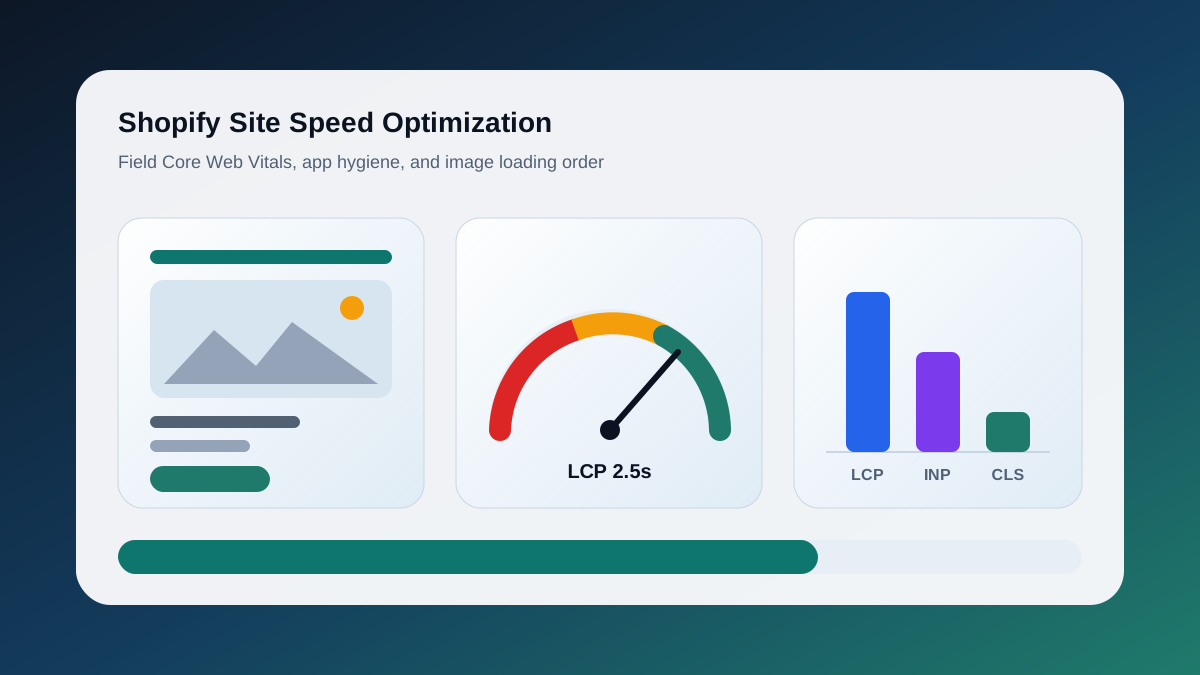
Ecommerce stores fail Core Web Vitals on Interaction to Next Paint far more often than on Largest Contentful Paint, because variant pickers, cart drawers, and third-party apps run heavy scripts on the main thread. web.dev sets the good threshold for INP at 200 milliseconds or less at the 75th percentile of page loads.
INP replaced First Input Delay as a Core Web Vital in March 2024 and measures every interaction, not just the first. A product page that renders quickly but takes 600 milliseconds to update the price after a size tap will fail; web.dev's bands are 200 milliseconds for good, 200 to 500 for needs improvement, and above 500 for poor.
Work from field data first: open the Core Web Vitals report in Search Console and group failing URLs by template. Then run PageSpeed Insights on one URL per group and read the INP diagnostics for long tasks; review, chat, and personalization apps are the usual offenders. Confirm the product hero image is not lazy-loaded and carries fetchpriority="high".
WooCommerce fixes are covered in our WordPress and WooCommerce speed optimization guide. On Shopify, the biggest wins are usually removing unused apps rather than changing the theme.
How Do You Audit Product Images?
Product images should be served in WebP or AVIF at the rendered size, carry explicit dimensions, use descriptive file names and alt text, and appear in the sitemap or an image sitemap. The hero image on each product page must load eagerly; gallery thumbnails should load lazily.
Images are the heaviest asset on almost every product page, and they also feed Google Images and Merchant listings. Check for original uploads served at 3,000 pixels wide when the layout renders them at 600, templated alt text such as "product image 1" where "Navy wool overcoat, front view" belongs, and duplicate image URLs across variants that attach the wrong colour to a listing.
Do Canadian Stores Need International or Currency Handling?
Only if you serve more than one country or language. A store selling exclusively in Canada in English needs a single canonical domain and CAD in its markup, not hreflang. Stores selling into the United States or offering French for Quebec need hreflang pairs and separate, non-redirecting URLs per market.
The most damaging pattern we audit is automatic geo-redirection. A Toronto merchant that redirects US visitors to a .com domain will also redirect Googlebot, which crawls mostly from US IP addresses, and the Canadian site can drop out of the index. Serve a banner instead, and use hreflang with en-CA, en-US, and fr-CA values that point at indexable pages. Currency switchers that change price through JavaScript without changing the URL are invisible to Google; a price that needs to rank in another market needs its own URL.
What Should the Prioritized Checklist Look Like?
Fix crawl-wasting facets and broken canonicals first, then schema and stock handling, then performance and images, and finally regional setup. That order restores Google's ability to find and trust the right URLs before you spend effort making them faster, which is where most audits go wrong.
| Priority | Check | Pass condition | Typical fix |
|---|---|---|---|
| 1 | Faceted URLs blocked | Sort, price, and view parameters disallowed in robots.txt | Add robots rules, fix parameter order |
| 1 | Canonical integrity | Every canonical target is 200, indexable, and in the sitemap | Remove chains, align sitemap |
| 1 | Soft 404s | No "not found" pages returning 200 | Return 404 or 410, redirect discontinued items |
| 2 | Product schema | Product plus Offer validates, ratings only where reviews are visible | Fix currency, remove fabricated ratings |
| 2 | Out-of-stock handling | Availability value matches the page, no seasonal URL churn | Set OutOfStock or BackOrder, keep permanent URLs |
| 2 | Pagination | Self-canonical pages, sequential links, no fragment URLs | Remove page-one canonical, add server links |
| 3 | Crawl depth | Money categories within three clicks | Update navigation, add homepage modules |
| 3 | INP | 200 ms or less at the 75th percentile in field data | Remove or defer third-party scripts |
| 3 | Images | Served at rendered size, explicit dimensions, descriptive alt | Use CDN resizing, fix theme templates |
| 4 | Currency and hreflang | No geo-redirects, valid hreflang pairs if multi-market | Replace redirects with banners |
Run the full list twice a year and the priority-one rows monthly, because app installs reintroduce the same problems. If you would rather have us run it and hand back a fix list with owners and estimates, that is what our Technical SEO Audit Toronto service is for.
Keep the Thread Going
- Service path: Technical SEO Audit Toronto
- Build path: Ecommerce Development Services
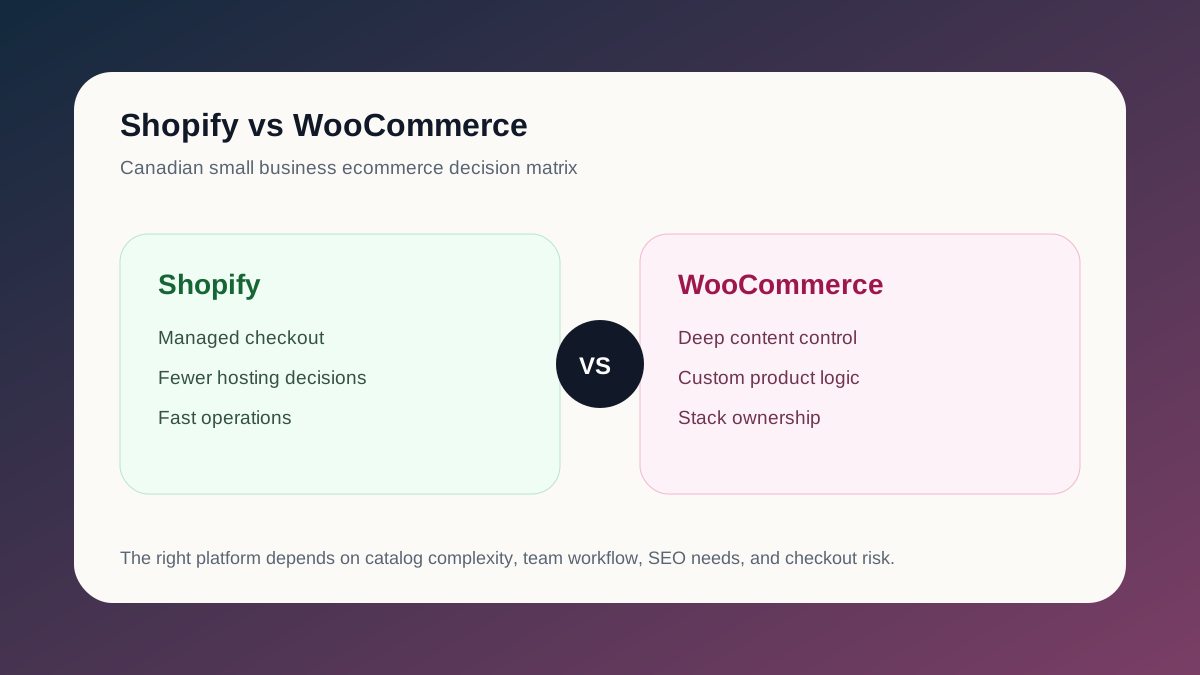
- Related guide: Shopify vs WooCommerce for Canadian Stores
- Ready to fix the search foundation? Start a project